1-2. Installing the App & Signing Up
To control your blinds from your smartphone, you'll need the EasyRoll app. From install to login takes just 2 minutes.
Installing the App
EasyRoll Smart Blind Look for this icon in your app store
| Smartphone | How to install |
|---|---|
| Android | Search "EasyRoll" on Google Play → Install |
| iPhone | Search "EasyRoll" on the App Store → Install |
Sign Up · Log In
The first time you open the app, a start screen appears. If you're new, tap [Create a username]; if you already have an account, tap [Login] next to "Already signed up?" at the bottom. Both screens offer social login buttons.
| Method | Description |
|---|---|
| Social Login | Android Google · Kakao · Naver / iPhone Kakao · Naver · Apple · Google — start right away with an account you already use (no separate password needed) |
| Email Sign-up | [Create a username] → [Sign up with EasyRoll] — sign up directly with an email + password |
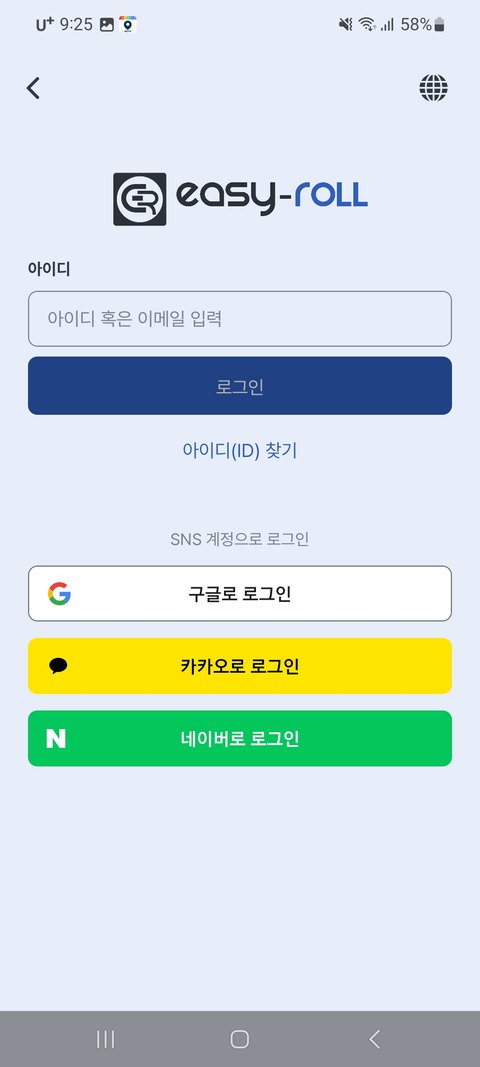
💡 When you first sign up, you'll select your region (country). Alarm and time features run according to that region's time.
Once you're logged in, it's time for the next step — registering your blind in the app.